


.avif)











Brand Vision is an award-winning WordPress agency building custom sites that stay fast, secure, and easy to run as a business grows.
A great WordPress site should look the part, load in an instant, and be easy for a team to manage long after launch. Brand Vision builds exactly that, designing and developing WordPress sites that pair real craft with real speed and hand a business a site it can actually run itself. Powerful under the hood, effortless on the surface.

Selected Clients
Trusted by
Leading Brands
Building real partnerships with top global brands. Delivering results that last well beyond the launch.


Expertise
Our WordPress
Expertise
The full range of WordPress expertise, from a first custom build to the ongoing care that keeps a site fast and secure.
Custom WordPress
Theme Design
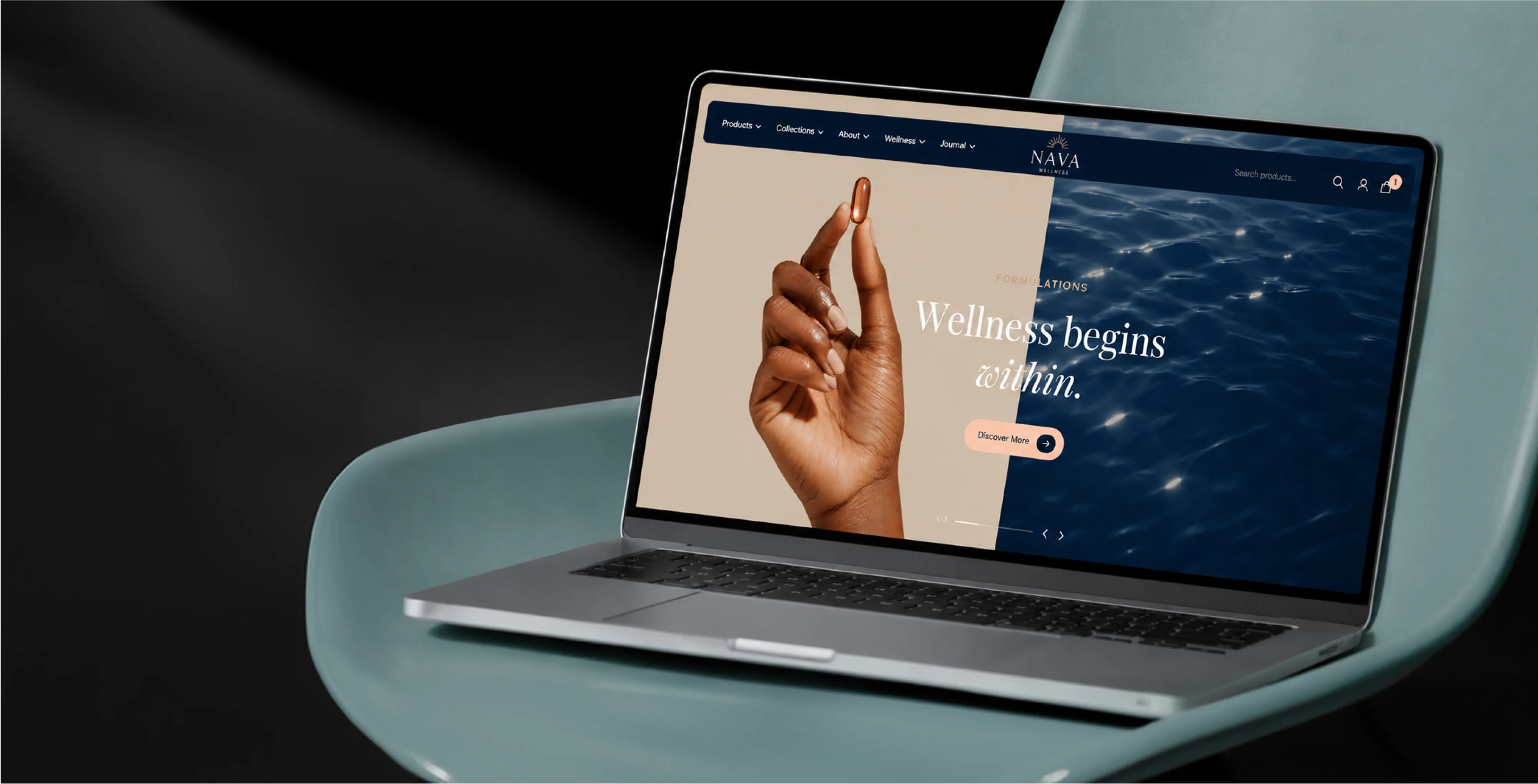
A theme off the shelf is a compromise a business grows out of. Brand Vision's custom WordPress theme development builds the design from scratch, with clean template code and none of the page-builder bloat that drags a site down. The result loads faster, stays easier to maintain, and looks like the brand it belongs to rather than the thousand others running the same template.
WordPress
Development
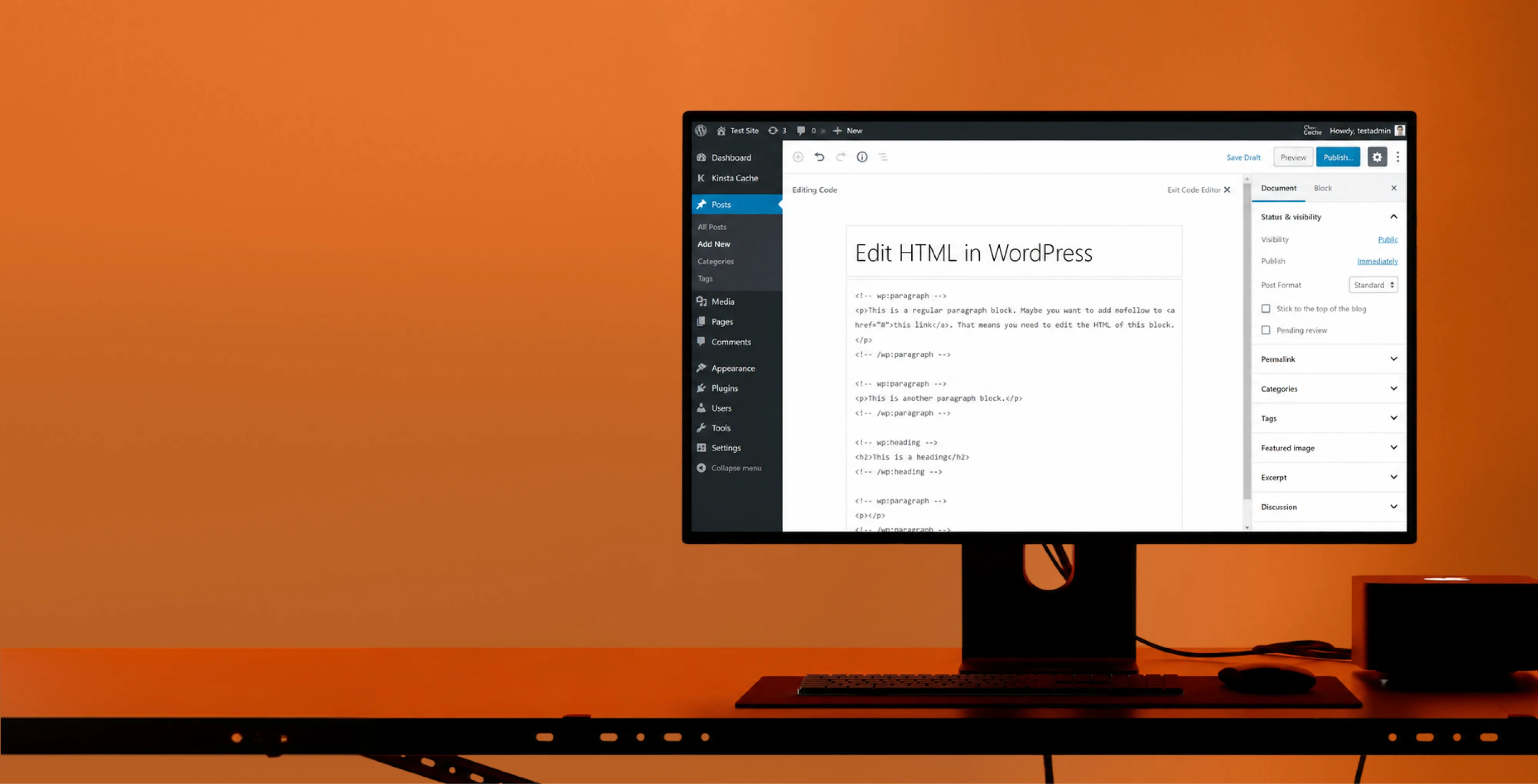
Good WordPress development is invisible until you notice how fast, stable, and easy to manage the site is. As a WordPress development company, Brand Vision writes clean, standards-based web development code and builds custom functionality without leaning on conflicting plugins, treating performance and security as decisions made during the build rather than patches applied after. It's the engineering underneath a site that holds up.
Elementor
Development
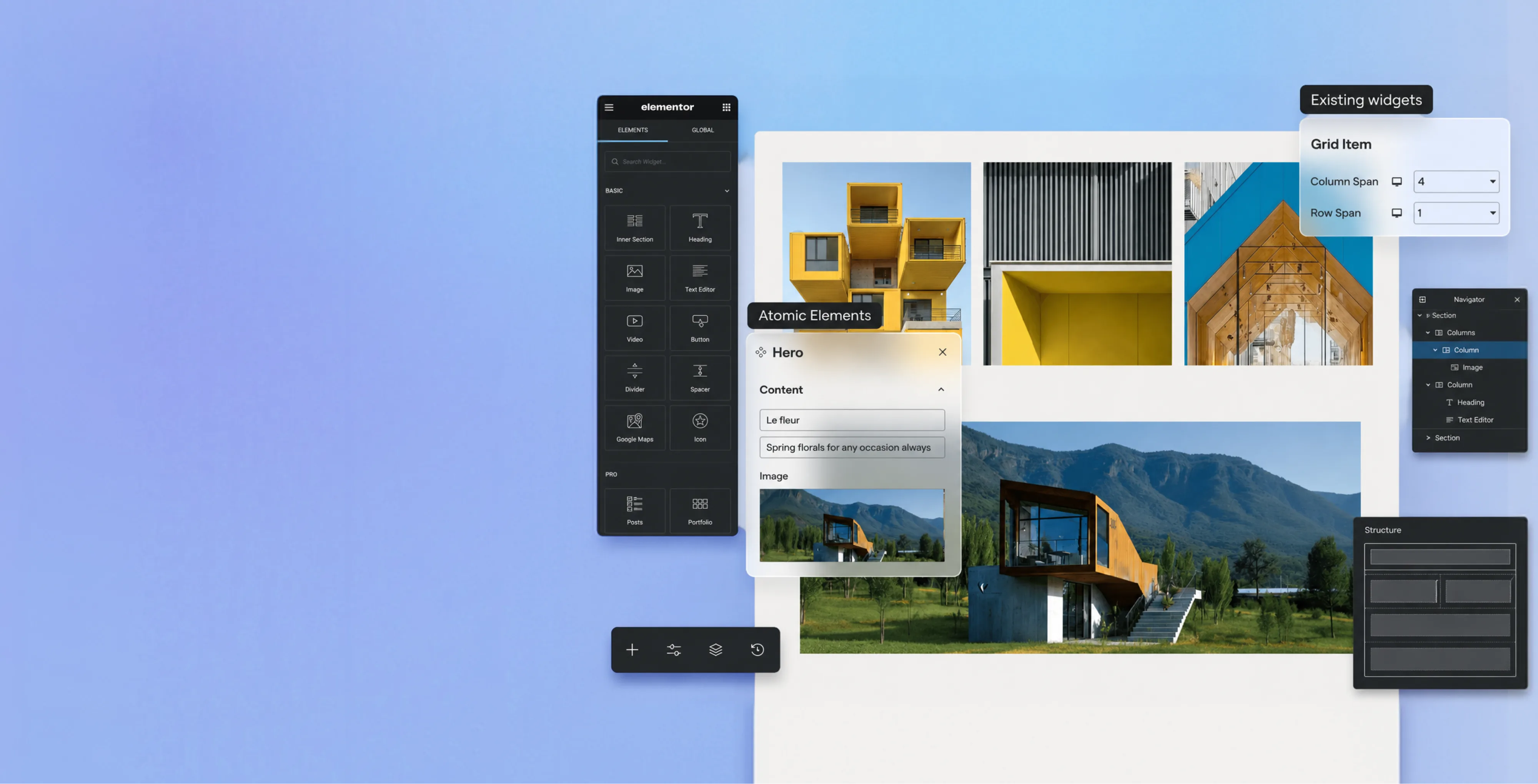
For teams who want to design visually, Elementor is one of the most flexible ways to build on WordPress. Brand Vision builds fast, well-structured Elementor sites that stay quick to load and easy to edit, so a team gets the freedom to shape pages without the site slowing down. It's visual building, done the way that keeps performance intact.
Gutenberg
Development
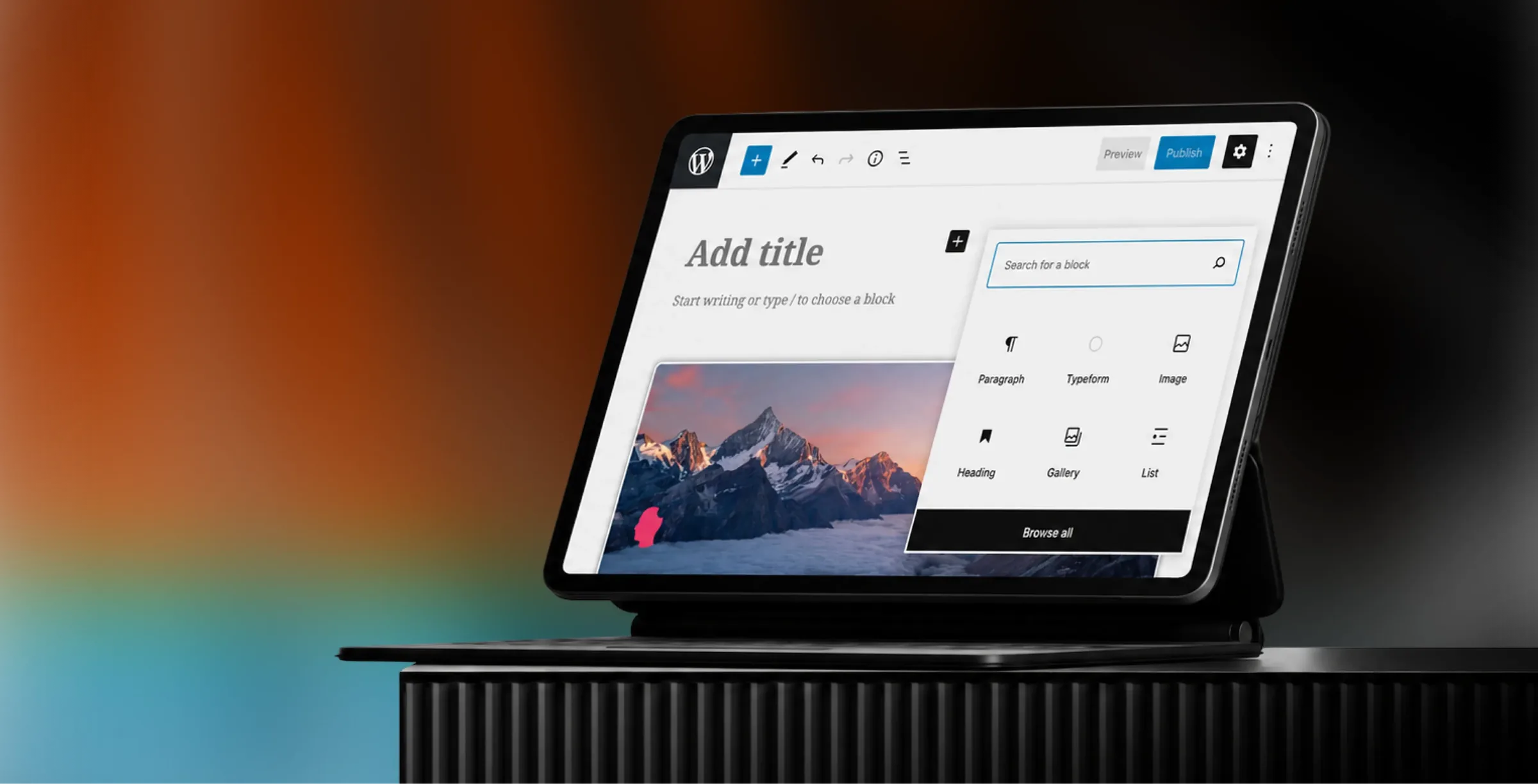
Gutenberg is WordPress's built-in block editor, and it's one of the best ways to give a team real control over their content. Brand Vision builds custom Gutenberg blocks and layouts that let anyone update pages, swap sections, and add content inside a clean, familiar interface. It puts the site in the team's hands; no developer is required for everyday changes.

WooCommerce
Development
Selling on WordPress is its own craft, and we treat it as a specialty in its own right. Brand Vision builds WooCommerce stores that are fast, easy to shop, and designed around the path to purchase.
WordPress
SEO
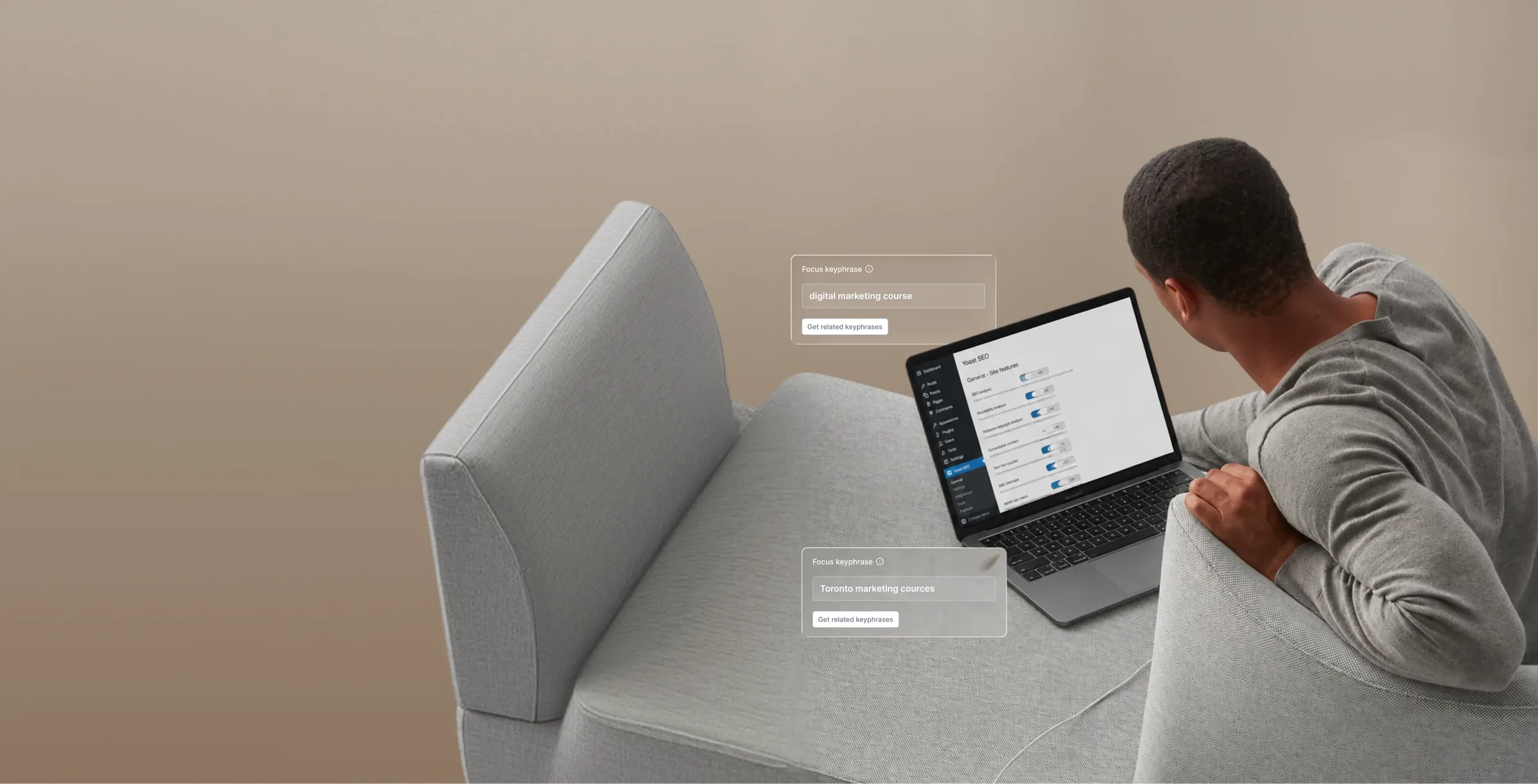
A site that can't be found is doing half its job. Brand Vision builds WordPress SEO into the foundation, clean code, fast Core Web Vitals, proper structure, and schema, so search engines and AI tools can read and rank a site properly. WordPress can be one of the most SEO-friendly platforms there is, but only when it's built to be, not assumed to be.
WordPress
Maintenance
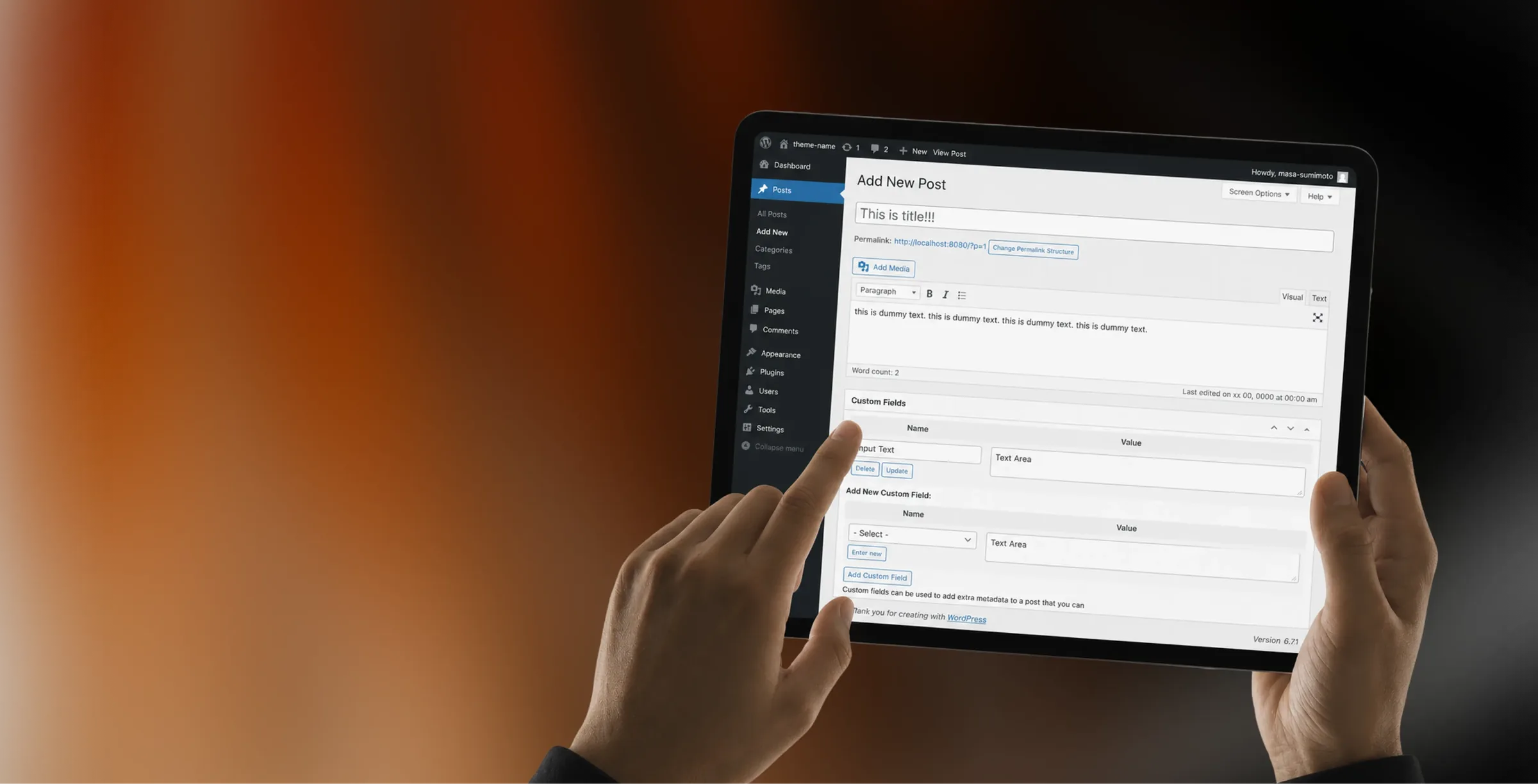
A WordPress site is never truly finished, and the ones that break are usually the ones no one was watching. Brand Vision's WordPress maintenance services keep a site current, secure, and responsive, handling updates, backups, security monitoring, and performance so problems are caught before they cost anything. It's the difference between a site that's managed and one that's merely still online.
Process
How We Build in WordPress
One WordPress process, from the first conversation to launch and everything after it.
01
Discover
Before we open WordPress, we get clear on the business, the audience, and the goal. Research, positioning, and a map of what the site needs to do become the brief every WordPress design decision is measured against.
02
Design
We design every screen custom, around your brand and the way your audience actually moves, never an off-the-shelf theme. You see and approve the full direction before development begins.
03
Development
We build the approved design into a clean, custom WordPress theme with standards-based code and no page-builder bloat, so the site stays fast, secure, and easy for your team to manage.
04
Launch
We launch with care, protecting search equity, Core Web Vitals, and performance, then stay on to maintain and secure the WordPress site as the business grows.
Selected Work
Latest WordPress
Development Work
A selection of custom WordPress projects, each shaped around what the business needed the site to do.
Industries
WordPress Across Industries
Every industry uses WordPress differently. We shape the build around the content, workflows, and goals specific to the field it serves.

Technology

Professional Services

Healthcare

Legal

Real Estate

Ecommerce

Startups

Education

Nonprofit

Food & Beverage

Entertainment

Hospitality
Technology, SaaS, and B2B Software
Product depth shouldn’t slow the story down. We partner with SaaS, platform, and enterprise software teams to translate technical capability into focused narratives. Clear paths to demo, trial, or contact serve both buyers and technical evaluators. Systems are built for product-led growth with composable components, editor guardrails, and instrumented analytics that tie directly to pipeline.
- Feature and use-case pages
- Clear product messaging
- Demo and trial signup flows
- Resource hubs that rank
- CMS your team can run
- Pipeline and signup analytics
B2B, Consulting, and Professional Services
Complex services sell on clarity, not volume. We help consulting, financial, and advisory firms structure their digital presence around buyer tasks: understanding capabilities, comparing options, and starting a brief. Every touchpoint earns trust through specificity and proof. Content is organized by audience need, so the people making the hiring decision find answers quickly and move to contact without friction.
- Service pages by client need
- Credentials that build trust
- Consultation and intake flows
- Content for decision-makers
- Case studies that convert
- Visibility for core services
Health, Wellness, and Medical
Patients and practitioners make high-stakes decisions under pressure. We design trust-first experiences for healthcare and wellness brands, keeping clinical accuracy intact while making it simple for people to find the right provider, service, or next step. Accessibility, privacy-compliant forms, and plain-language content are standard. Local visibility for practices and clinics is built into the foundation, not bolted on later.
- Provider and service finders
- Accessible design for all patients
- Privacy-compliant intake forms
- Patient education content
- Local visibility for practices
- Compliant messaging and structure
Law Firms and Legal Services
Prospective clients searching for legal help are often under pressure and comparing firms quickly. We help law firms present practice areas with credibility, surface the right contact paths, and build a digital presence that earns trust before the first conversation. Clear structure, plain language, attorney profiles, and consultation flows make it easy for people to take the next step with confidence. Ethical advertising compliance is built in from the start.
- Practice pages that rank
- Attorney profiles and credentials
- Consultation booking flows
- Local visibility for firms
- Client-facing FAQs and guides
- Ethical advertising compliance
Real Estate, Construction, and Property Development
Buyers, investors, and project owners move on trust and timing. We work with brokerages, developers, general contractors, and property management firms to present listings, projects, and capabilities with clarity. Content is organized around what prospects actually need: proof of work, service scope, location context, and a direct path to inquire. Pre-construction launches and trade portfolios get the same strategic rigor as resale platforms.
- Listing and project showcases
- Pre-construction campaigns
- Maps, galleries, and floor plans
- Buyer and investor lead capture
- Neighborhood and market content
- IDX and MLS integration
Ecommerce, Retail, and Direct-to-Consumer
Conversion lives in the details. We work with consumer and ecommerce brands to build fast, clear shopping experiences where product pages explain value quickly, checkout flows reduce friction, and the entire system scales with the catalog. Promotional templates, collection architecture, and performance monitoring keep the storefront sharp as demand and inventory shift with seasons. The result is a store your team can run day to day without developer dependency.
- Product pages that convert
- Checkout flow optimization
- Category and collection structure
- Mobile search and filtering
- Seasonal promo templates
- Speed and performance tracking
Startups and Emerging Companies
Early-stage companies need focus over flash. We help startups define positioning, build a credible identity, and launch a conversion-ready presence that clearly communicates what the product does, who it’s for, and how to get started. Everything is built to scale: component systems, content structures, and analytics foundations grow with the roadmap instead of needing a rebuild at Series A. The pitch and the website tell the same story.
- Launch-ready sites built fast
- Positioning that resonates
- Pitch-aligned web narrative
- Demo and signup conversions
- Scales without a rebuild
- Investor-ready credibility
Education, Schools, and Institutions
Students, parents, and administrators all need different answers from the same site. We help schools, universities, and training organizations structure digital experiences by task: apply, visit, inquire, enroll. Accessible design and plain-language content serve diverse audiences without alienating any of them. A manageable CMS means internal teams keep program pages, event listings, and admissions information current without outside help or bottlenecks.
- Admissions pages that convert
- Program and course structure
- Campus visit and event flows
- Accessible for all users
- Easy updates for lean teams
- Student and parent journeys
Nonprofits and Mission-Driven Organizations
Nonprofits compete for attention, funding, and volunteers simultaneously. We build accessible digital experiences that make programs clear, donation paths intuitive, and calls to action specific enough to drive real participation and support. Content governance is designed for lean teams, so pages, campaigns, and impact reports stay current without bottlenecks. The organizations doing the most important work deserve a digital presence that matches their mission.
- Donation and volunteer flows
- Program pages that drive action
- Fully accessible experiences
- Campaign and event pages
- Easy updates for small teams
- Impact and grant reporting
Food, Beverage, and Restaurant
From restaurants to packaged goods, this industry sells on quality and convenience. We help food and beverage brands connect story with logistics: clear menus, product lines, ordering options, and wholesale paths that make it obvious how to buy and reorder. Identity and digital experience work in tandem so visitors see quality and know exactly what to do next, whether they’re a consumer walking in or a distributor placing a first order.
- Menus and catalogs that sell
- Ordering and reservation systems
- Wholesale inquiry pathways
- Locations and hours upfront
- Visual brand storytelling
- Local SEO and Google Business
Entertainment, Media, and Performing Arts
Audiences decide in seconds. We work with labels, venues, talent agencies, and event companies to build media-rich, performance-optimized experiences where the work is front and center. Booking, inquiry, and ticket paths stay visible and fast across devices. Campaign templates and component systems let teams launch content for new shows, releases, and events without starting from scratch each time. The creative comes first; the infrastructure stays invisible.
- Roster and release showcases
- Media galleries and video
- Ticketing and booking flows
- Campaign and launch pages
- Social media integration
- Fast loading on all devices
Travel, Hospitality, and Tourism
Guests research and book across multiple touchpoints. We help hotels, resorts, tourism brands, and event venues present their experience with clarity, connecting visual storytelling with practical booking flows, local discovery, and seasonal content that stays current. The systems we build make it straightforward for teams to update rates, packages, and promotions without depending on a developer for every change. The experience starts online, and it should feel as considered as the stay itself.
- Room and package showcases
- Booking flows that convert
- Seasonal content updates
- Local maps and discovery
- Photo galleries and storytelling
- Reviews and social proof
Our Record
Why Choose
Brand Vision

113 Reviews

60+ verified reviews
Performance and accessibility checks before launch

Clutch Top Brand Development & Web Design Agency
2023, 2024, 2025







Common Questions
Frequently Asked Questions
Still have questions? Contact us to discuss.
What does a WordPress agency do?
A WordPress agency designs and builds the site, then takes responsibility for the layer WordPress hands back to its owner, which is the hosting, the updates, the backups and the security posture. Design is the visible half of the job. The other half is a system that keeps operating after launch, on software that keeps moving underneath it, and that half needs an owner.
WordPress is open source software you install on hosting you choose. That is the whole reason it bends to almost any requirement and the whole reason it asks something of you afterward. No vendor patches your install overnight while you sleep. A studio that delivers a handsome WordPress site and then disappears has finished half a project.
What a full engagement covers.
- Design and a custom theme. Page structures built for your content and your brand instead of the ones a marketplace template assumed about a business that was not yours.
- Content architecture. The post types, fields and taxonomies sitting underneath the pages. Model those properly and adding a service line next year is a publishing task.
- The editing experience. Blocks and patterns configured so the people who publish can assemble a page without a developer and without damaging a layout.
- The operating layer. Hosting selection, a staging environment, version control, backups that have been restored at least once, and an update routine written down where somebody else could follow it.
- Search and speed foundations. Structure, metadata and performance handled while the theme is being written, because both cost more to add to a finished WordPress site than to build in.
Why clients bring platform work here instead of to a WordPress specialist. Design, development and search sit in one team, so the theme gets written by people who already know what the content plan needs and how the site has to read in a search result. Behind that, 500+ projects delivered since 2018, a 5.0 on Clutch from 64+ verified client interviews, and four Awwwards and a Webby on the design side of the practice. Those are the things we would check if we were the ones hiring.
The honest boundary is that we do not treat this platform as the default answer. It carries an ongoing operating cost a hosted system does not, and where that cost has no owner inside your business we will say so before quoting. You are welcome to look at the full web practice, the work itself and the people who would run yours first.
What WordPress services do you offer?
Nine, usually bought in combinations instead of one at a time. A new build takes the first five in order. A site inherited from somebody else normally starts with the last one and works backwards.
Custom WordPress theme design and build. A theme written for your brand and your content model, carrying only the code the site actually uses. Components and page structures come out of the design system, so nothing has to be fought into place afterward.
Custom post types and content modelling. The structured content behind the pages, meaning the distinct kinds of thing you publish, the fields attached to each one, and the ways they get grouped and filtered.
Block editor and reusable pattern setup. A curated set of blocks and approved patterns, so your team composes pages from pieces that already match the design instead of building layouts from nothing.
Plugin selection and consolidation. As few as the requirement allows, overlapping ones replaced, and the ones solving a problem the site no longer has taken out.
Performance and security hardening. Caching, image handling, database and query work on one side. Least-privilege accounts, two-factor authentication, restricted file editing and verified backups on the other.
Migration to or from WordPress. Content mapped into real structures instead of dumped into one field, every URL given a destination, and media, users and integrations moved deliberately. Larger moves overlap with a full website redesign and get scoped that way.
Multisite and multilingual builds. A network of sites on one installation where several properties share a team and a design system, and translated content where the site has to serve more than one language.
Maintenance and support. Updates applied on staging before production, backups verified by restoring them, monitoring somebody actually watches, and a monthly allocation for changes.
Rescuing an inherited WordPress site. An assessment first, then a plan with a straight answer about whether the existing build is worth working inside at all.
Commerce is the one thing sitting slightly outside that list. Where a store belongs inside a WordPress content site, that is WooCommerce and it gets scoped as its own piece of work. And where visibility matters as much as the build, the ongoing search side runs alongside it instead of afterward.
Is WordPress free, and who hosts it?
The software is free and running it is not, and that trade is the most important thing to understand before choosing this platform. WordPress is open source, released under a licence that lets anybody use, modify and redistribute it, and there is no fee to download or install it.
Two different products get called WordPress. One is a commercial hosted service where a company runs the servers and the software for you on a monthly fee, with the constraints that come with any managed product. The other is the open source software itself, installed on hosting you choose and control. That second one is what people mean by self-hosted and what almost every build described on this page is. Confusing the two causes more surprises in early conversations than anything else, because the pricing, the limits and the responsibilities are all different.
Self-hosted means four jobs become yours.
- Hosting. You pick it, you pay for it, and its quality sets a ceiling on how fast the site can be. Cheap shared hosting is the invisible cause of a great many slow WordPress sites.
- Updates. Core, theme and plugin releases arrive on their own schedule. Minor core releases can install themselves and plugin auto-updates can be switched on, but somebody still has to decide what gets tested first.
- Backups. They have to exist, live somewhere other than the same server, and be restored once so you know they work. A backup nobody has tested is a hope.
- Security. Account hygiene, permissions, monitoring, and a plan for the day a vulnerability is disclosed in something you are running.
None of that is free even when nobody sends an invoice for it. It is hosting, premium plugin licences renewed annually, and either staff time or a maintenance arrangement.
What you get in exchange is real. You choose where the data physically sits, which matters for clients in Canada and anybody carrying residency wording in a contract. No platform can change its terms or its pricing underneath you. The absence of a licence fee is also why so many not-for-profit organizations land here, though the saving is smaller than it looks once upkeep is counted honestly. Where none of that matters to you, a hosted platform such as Webflow removes all four of those jobs, and choosing it for exactly that reason is a defensible decision.
Cost and timeline for a WordPress site?
Custom WordPress work starts at $7,000 to $15,000 for a focused site, moves to $15,000 to $30,000 once it is a full marketing build, and passes $50,000 where multisite, multiple languages or heavy integration enter the scope. Eight to fourteen weeks is the usual span.
Where projects land.
- A small custom build on three to five templates. $7,000 to $15,000. Right for a campaign property, a single service line, or a business replacing something very old with something modest and well made.
- A full marketing site, roughly six to twelve templates with a real content model. $15,000 to $30,000, and most land nearer the middle than either end.
- A content-heavy publishing site. Priced on the number of content types and the volume being migrated instead of on page count, since four hundred posts across six post types is a different job from twelve pages.
- Multisite, multilingual, or builds with several connected systems. Above $50,000, driven by how many sites, languages and integrations are involved.
- A rescue or hardening engagement on a site that already exists. Scoped from the assessment, and frequently a fraction of what a rebuild would cost.
- Maintenance. Monthly, scaled to how much the site actually changes.
How the schedule usually runs.
- Discovery and content modelling, two to three weeks. Requirements, an audit of whatever exists, the sitemap, and the post types and fields agreed before design begins.
- Design, three to four weeks. Templates and components as interactive prototypes, with the pattern library planned as part of it instead of after it.
- Theme build, three to five weeks. The custom theme, the editor experience, integrations and plugin decisions, all tested on staging.
- Content and migration, two to four weeks, overlapping the build. Content entered or moved, redirects written, media handled.
- Launch and the weeks after, about a week plus monitoring. Redirect verification, performance and accessibility checks, training and handover.
What moves the number is rarely page count. It is how many distinct content types there are, how much content is being migrated and out of what, how many systems have to connect, whether languages are involved, and how many people hold approval. Content readiness decides more schedules than our availability does.
Those bands are typical practice and not a quote. Proposals break the work out piece by piece, so anything on the list can be challenged or dropped before you sign. If you want the diagnosis before committing to a build, a paid audit stands on its own, and starting with a call will tell you which band you are in.
Is WordPress secure, and will it break?
Core WordPress is maintained by a dedicated security team and patched quickly. Almost every compromised site we have been called into was running an abandoned plugin, an unpatched theme, or an administrator account using a password from somewhere else. The platform is rarely the hole. The stack assembled on top of it usually is.
The annual vulnerability reports published by the security vendors working in this ecosystem consistently attribute the large majority of disclosed WordPress vulnerabilities to plugins and themes instead of to core, and that matches what we find on assessment. It is a useful thing to know, because it tells you where the effort belongs.
What hardening actually involves.
- Least-privilege accounts, so nobody holds administrator rights they do not need and no login is shared
- Two-factor authentication on every account able to install or edit code
- File editing disabled inside the admin, so a stolen session cannot rewrite theme code from a browser
- Login protection against automated guessing, with unique credentials everywhere
- A current PHP version, since an old one is both slower and unpatched
- A firewall and malware scanning in front of the site, with alerts going to somebody who reads them
- Backups held off the web server, so a compromise cannot take the recovery copy with it
- A staging environment, so nothing is ever attempted for the first time in production
Then update risk, which is the other half of the question. Updates do occasionally break things, usually where two plugins interact or where a builder-dependent layout meets a new version. The answer is a routine instead of avoidance. Updates go on staging first, in batches small enough to identify the culprit, with the key templates checked afterward and a database snapshot taken before anything runs. Sites that skip updates for eighteen months to dodge that risk end up with a far worse version of the same problem, because the eventual jump crosses several breaking changes at once.
The honest limit is that none of this makes a site unbreakable. What it does is lower the odds and shorten recovery from a fortnight of guesswork to an afternoon of restoring a known-good copy. For clinics and practices and law firms, where a breach involves other people's confidential information, the response plan matters as much as the prevention, and anything carrying regulatory exposure belongs with your own counsel and not with us.
When is WordPress the wrong choice?
Three situations where we will point you somewhere else, and a fourth where we will tell you not to run a self-hosted site at all. Recommending this platform to everybody would be easier for us and it would cost some of those clients real money.
A marketing site where nobody wants to own infrastructure. If the site is largely pages and posts, a small team publishes it, and no one in the business wants responsibility for hosting, updates and security, a Webflow build is usually the better answer. Design control is excellent, platform maintenance is handled, and a predictable monthly plan replaces a maintenance line item. You give up plugin flexibility and server-side code, which a lot of marketing sites never needed.
A business whose main job is selling products. When commerce is the business instead of a section of the site, Shopify is the stronger default, since a hosted store hands the payment, tax, fraud and stock machinery to a company whose whole job is running it, and checkout converts without being rebuilt. Running a serious store on a self-hosted stack means owning payment security and uptime yourself, which is an operating decision and not a technical footnote.
Software behaviour instead of publishing. Where the requirement is user accounts with real permissions, live data, workflow logic or anything resembling an application, a custom build is cleaner than bending a content platform into a product. We see this most often with software companies trying to run a customer portal out of a CMS, where every new rule becomes another plugin.
Nobody inside the business will own the upkeep. This is the one that gets ignored, and it is the one that matters most. A self-hosted site with no maintenance owner and no budget for one is a security incident on a delay. If that describes your situation, the right recommendation is a hosted platform even where a WordPress build would bill us more, and we will make it.
What the platform still wins on. Large content libraries with genuine editorial structure. Complex publishing roles. Requirements needing server-side code or one specific integration. Data residency and hosting control. Full ownership of the stack, with no vendor able to change the deal on you. Where two or three of those describe your situation, this is the right place to be, and the rest of this page is about doing it properly.
Why not buy a theme or page builder?
We build custom themes because a marketplace theme is a set of features assembled for a thousand different businesses, and the cost of the ones you never use is paid on every page load for the life of the site. The bought theme is not always the wrong call, and it is worth saying what it gets right before arguing with it.
A marketplace theme is cheaper up front, it gets something live in days instead of weeks, and for a small site with no real design requirement it can be a sensible decision. We have told clients to buy one and put the difference into content. If the site is five pages and the business is still proving an idea, that is honest advice.
Where it stops being honest is anything past that. A theme sold to thousands of buyers has to support layouts, sliders, portfolio types and demo variations you will never open, and that code ships to your visitors regardless. The hierarchy belongs to somebody else, so the section that would actually convert sits wherever the demo put it. Customizing it means fighting it, with edits accumulating in places the next release will overwrite. That last point deserves glossing. Editing a purchased theme's files directly means the next version of that theme erases your work, which is why child themes exist and why a badly maintained bought theme quietly becomes something nobody dares update.
Page builders sharpen all of this. A page builder is a drag-and-drop layout tool layered over the editor, sold on its own or bundled into a theme, and builders bought off the shelf are the single most common cause of the slow, bloated WordPress sites we get called in to fix. The markup is heavy, every element carries its own styles and scripts, and the layout is usually stored in a format only that builder understands, so leaving it later means rebuilding each page by hand. The performance cost lands directly on Core Web Vitals, which is measurable and public.
A custom theme carries only what the site uses, implements your design system as real components, and hands the editor a set of patterns that match the brand instead of a blank canvas and a warning. It also stays yours. No vendor to depend on, no licence to renew, and an upgrade path we control. That is the same argument running through the design side of the work and through custom development generally.
How do you structure WordPress content?
Custom post types and custom fields are what turn WordPress from a blog into a real content system, and the modelling gets settled before anything is designed. Out of the box the platform gives you posts and pages, which is a publishing tool. Everything past that is something somebody has to model deliberately.
Three terms worth defining plainly. A post type is a distinct kind of content with its own list, its own template and its own rules, so case studies, team members, locations and events each become their own thing instead of pages pretending to be one. A custom field is a single structured piece of information attached to each item, meaning a client name, a sector, a result figure or a start date, stored separately so it can be displayed, sorted and filtered. A taxonomy is a way of grouping items, with categories and tags being the two that ship and custom ones added where the content calls for them. WooCommerce products are themselves a custom post type, which is the clearest illustration of how far the pattern stretches.
The payoff is repeatability. A case study modelled properly appears on its own page, in a filtered index, in a related list on a service page and in a sidebar module, all from one entry. The same content held in a single rich-text box appears once and gets copied everywhere else, which is how a site ends up with four slightly different versions of the same paragraph. Proper structure is also what makes a content strategy executable, since a model that cannot express what you publish will never hold a plan.
Multisite. One installation running a network of sites off a single codebase, with a network administrator sitting above the ordinary site-level roles. It suits organizations where several properties share a team and a design system, which is why it turns up so often across universities and school boards and across branch or franchise sites that each need a distinct local search presence. It is the wrong tool when those sites have genuinely different requirements, because core and plugin updates land on all of them at once and one bad interaction takes the whole network with it.
Multilingual. Core carries no translation model, so translated content comes either from a plugin or from one site per language on a network. Both work and both add weight. French-language obligations for organizations operating in Quebec make this a build requirement instead of an enhancement for a lot of Montreal businesses, and the markup telling search engines which version to serve has to be right from launch.
Can our team build pages safely?
The block editor with a curated pattern library is how a non-technical team builds pages safely, and setting that up is a build task instead of a switch somebody flips at the end. Left at defaults it is a blank canvas. Configured properly it is a kit of parts that can only be assembled in ways that look right.
Blocks are the individual pieces of a page. Patterns are pre-built arrangements of those blocks, so a team member inserts an approved three-column service section instead of constructing one from scratch. Synced patterns go further and stay tied to a single source, so changing the master changes every place it appears, which is how a phone number or a call to action gets updated across a site in one move. We build the pattern set out of the design system during the theme build, and that is why pages a client makes six months later still look like the site we shipped.
Permissions are the other half. WordPress ships with five roles.
- Administrator. Everything, including users, plugins, themes and code. The account that should exist in the smallest number possible.
- Editor. All content, including other people's, published or not. Usually the right level for a marketing lead.
- Author. Their own posts, including publishing them.
- Contributor. Can write and submit for review but cannot publish, and cannot upload files by default.
- Subscriber. Reads and manages their own profile, which is what a logged-in member account normally amounts to.
On a network install a sixth level sits above those, the network administrator, who controls plugins and themes for every site in the network.
Guardrails go around the roles. Colour and type options constrained to the brand set, image dimensions defined, block settings limited so one stray control cannot break a layout, and the blocks nobody needs removed from the inserter entirely. Fewer choices produce better pages.
One honest gap. Core gives you a pending review state for contributors and nothing resembling a real approval chain, so an organization needing legal or clinical sign-off before anything publishes requires either a workflow plugin or an agreed process outside the tool. We will tell you which, and we will not build governance a four-person team never asked for. The same restraint applies across the interface work. Clean block structure has a second benefit worth naming, since consistent semantic markup is what AI search systems lift a claim from when they cite a source.
How do you decide which plugins stay?
Every plugin is a permanent dependency on somebody else's code and on their continued willingness to maintain it, so each one has to earn its place against the same test. The raw number matters less than what each one costs you, though a site running forty active plugins is almost always carrying several nobody can justify.
What we ask before anything gets installed.
- When was it last updated, and how often does that happen. A plugin untouched for two years is a decision waiting to be made for you.
- Who maintains it. A company with a support obligation and a volunteer with a day job are different risks, and either is fine as long as you know which one you accepted.
- How many sites run it. A large install base means problems surface publicly and get fixed. That is attention and not a guarantee of quality.
- What it loads, and where. Plugins adding stylesheets and scripts to every page for a feature used on one page are the ordinary cause of a slow site.
- What happens when we remove it. Anything storing content in its own private format holds your content hostage, which is the same trap page builders set.
- Could the theme do this in twenty lines. Often the answer is yes, and then the plugin is a permanent dependency bought to avoid an hour of work.
Consolidation is the other side of it. An audit of an inherited stack usually finds three plugins overlapping on one job, a caching plugin fighting the host's own caching, features duplicating what the theme already does, and two or three nobody can name a purpose for. It also finds the reverse, which is one obscure plugin quietly doing load-bearing work nobody documented, and that is exactly why a stack gets audited instead of trimmed on instinct. Removal is staged, tested and reversible, and it tends to improve technical SEO measurements more than any single optimization we could apply.
Abandonment is the risk to plan for and not to hope past. Plugins get dropped, sold to owners who change the pricing model, or moved behind a subscription. Where something load-bearing sits in that category, the honest options are replacing it early on your own schedule or accepting the exposure knowingly. Booking and availability logic is the usual example, and for hotels and tour operators that dependency belongs in a risk register instead of being discovered during a peak week.
What if we inherited a broken site?
Every inherited WordPress site gets an assessment before anybody quotes a fix, because the same symptom can be a two-day job or a rebuild and there is no way to tell from the outside. Quoting a WordPress repair blind is how a small engagement turns into an excavation.
What the assessment looks for.
- Theme provenance. Custom, marketplace, or marketplace with edits made directly in the parent theme, which means the next update erases them. That single answer usually decides whether working inside the build is realistic at all.
- How content is stored. Whether page layouts live in clean blocks or in builder-specific markup that will not survive leaving the builder. This is the finding that most often changes the recommendation.
- The plugin inventory. Every active plugin with its last update, its maintenance status and its licence, including premium ones registered to a developer who stopped answering emails two years ago.
- Versions and environment. Core, PHP and database versions, hosting tier, and what breaks when any of them moves forward.
- Security state. Known vulnerabilities in what is installed, account and permission hygiene, and whether the site has already been compromised. Injected spam links and unfamiliar administrator accounts are both more common than owners expect.
- Backups and recovery. Whether they exist, where they live, and whether anybody has ever restored one successfully.
- Performance baseline. Where the load time actually goes, separated into hosting, database, theme, plugins and images, since ranking a remediation list is impossible until you know which two of those own most of the delay.
- What you own. Hosting, domain, registrar, administrator accounts and any repository. Uncomfortable discoveries concentrate here.
Then you get one of three answers. The foundation is sound and we work inside it happily. The build is salvageable through targeted remediation, which is frequently a plugin cleanup, a performance pass and three rebuilt templates. Or every change carries risk and patching it for another eighteen months costs more than replacing it, in which case we say so and show the arithmetic instead of asserting it.
Moving a site is its own discipline either way. Coming onto WordPress, content gets mapped into real post types instead of poured into one field, every URL gets a destination, and media, users, forms and integrations move deliberately. Going the other direction, builder-built pages rarely export cleanly and that manual rebuild has to be priced honestly at the start. Larger moves are replatforming work, and where the destination is a store, a move to Shopify is often the right end state.
Who keeps a WordPress site running?
Somebody has to own the site after launch, and the three honest options are your team with training, us on a maintenance arrangement, or a slow decline nobody notices until it becomes an incident. This platform does not sit still, because everything it depends on keeps moving.
What a maintenance engagement covers on a WordPress build.
- Core, theme and plugin updates applied on staging and checked before they reach production
- PHP version upgrades planned in advance instead of forced by a hosting deadline
- Off-server backups on a schedule, verified by restoring one and not by trusting a green tick
- Uptime, error and malware monitoring, with a person on the other end of the alert
- Database housekeeping, meaning post revisions, expired temporary data and the auto-loaded settings that quietly load on every single request
- Licence renewals tracked, so nothing silently stops receiving security updates
- A monthly block of hours for content edits and small enhancements
Plans scale to how much the site changes. A stable site with a handful of monthly edits needs a fraction of what a publishing operation shipping weekly does, and pricing that ignores the difference is charging you for somebody else's usage. Maintenance is also optional. The documentation is written to a standard your own developers can work from, and if you would rather they took it over, we will make that transfer clean.
On ownership there is nothing to negotiate. Hosting, domain, the database, the theme code, the design files and the analytics are in your name from day one, and if you leave, nothing is held back. There is no proprietary layer only our team can operate, which is a low bar and one that self-hosted software makes easy to clear. Two exceptions live in the agreement where you can read them. Unselected concepts remain ours, and third-party assets such as licensed fonts and paid plugins come with their own terms, listed individually so there is no ambiguity about what you hold.
Handover includes live training on your actual patterns and post types, a recorded walkthrough, and written documentation covering how to add each content type. The people applying your updates afterward are the same in-house developers who wrote the theme, which is a deliberate staffing decision and the reason we hire for it instead of subcontracting the unglamorous half. Where the site becomes part of something larger, ongoing search work and editorial planning run on top of a build that was structured to support them.