
.webp)













Brand Vision is North America's leading Webflow design agency for brands that want a custom site, not a template.
Brand Vision is a custom Webflow design agency that approaches every project with strategy, intention, and a clear understanding of what makes a brand distinctive. With more than a decade of experience, we study how your audience moves, define the right structure, and design every screen around your goals, positioning, and identity. Having launched hundreds of Webflow websites, we know how to turn that strategy into a polished digital experience that strengthens credibility, commands attention, and positions your brand as an authority in its industry.

Selected Clients
Trusted by
Leading Brands
Building real partnerships with top global brands. Delivering results that last well beyond the launch.







Expertise
Webflow Design &
Development Expertise
Custom design, development, SEO, and migrations, all in-house, from a team that works on Webflow every day.
Custom Webflow
Design
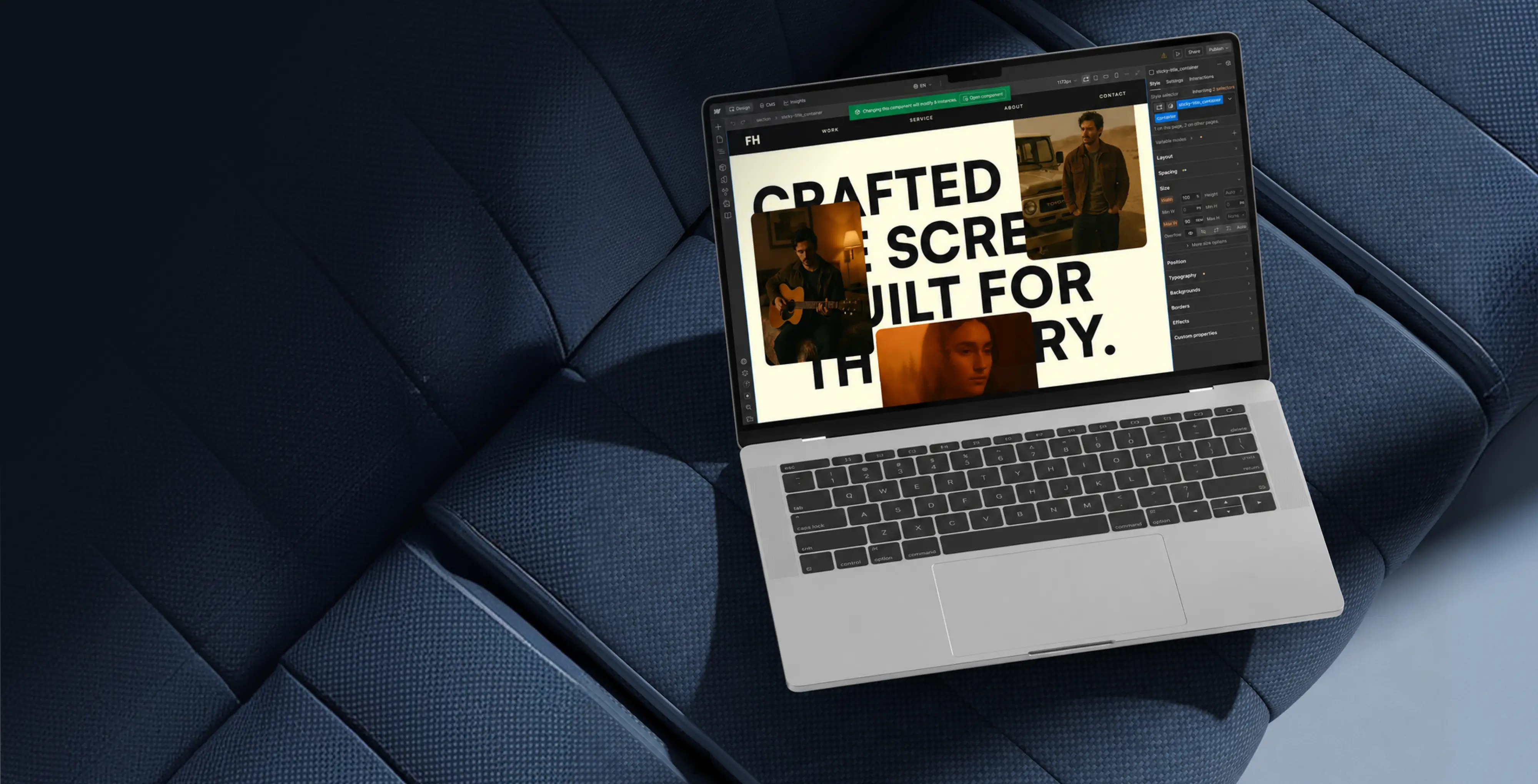
A brand deserves a site that looks like it and nothing else. As a Webflow design agency, we design every page custom, straight into the platform's grid and interactions, so the layout you approve is the layout that ships. Responsive from the first frame, considered on every screen, built to your brand rather than a theme.
Webflow
Development
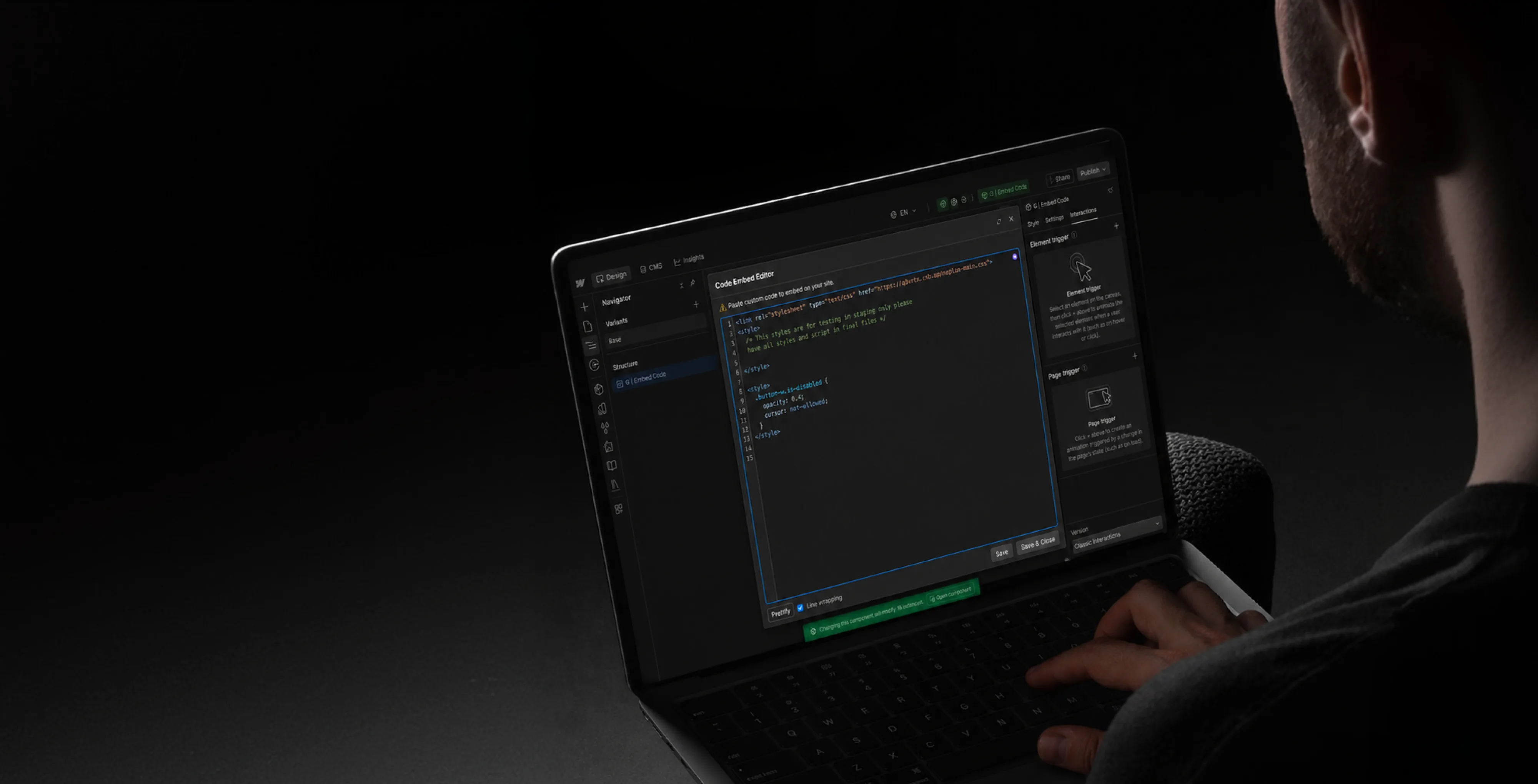
A custom design is only as good as the build under it. Our Webflow work is real development, not just drag-and-drop, using named classes, reusable components, and structured CMS collections so the site stays fast and easy to extend. When a project needs more than the visual builder offers, we add custom code and integrations without leaving the platform.
Webflow
Migrations
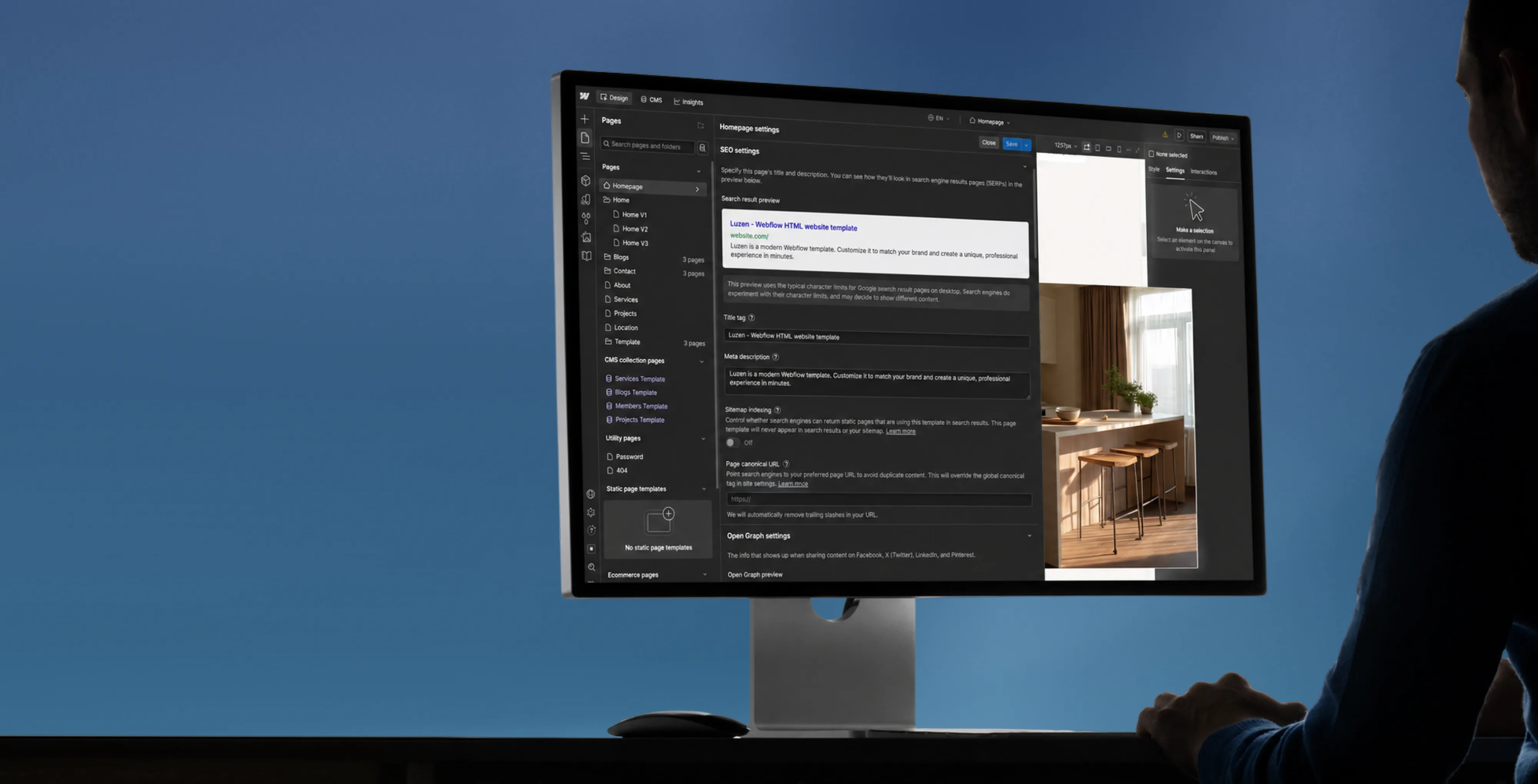
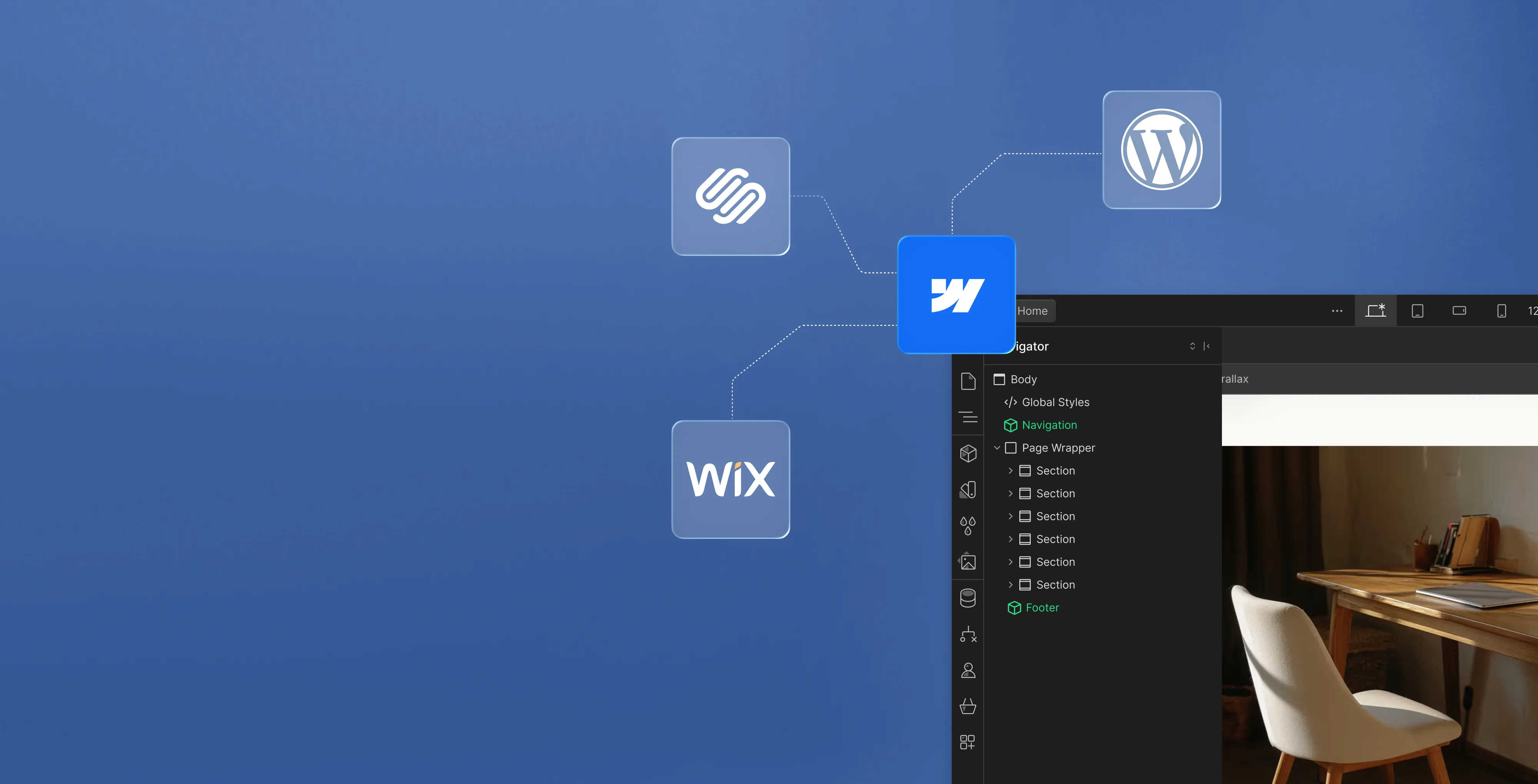
A website rebuild is where sites either climb or crater in search. Moving off WordPress, Wix, or a custom stack, we map every existing URL, preserve or redirect it, and carry content across without breaking the structure search engines already trust. The migration also becomes your chance to fix what the old platform made hard.

Webflow
Maintenance
A site isn't finished at launch, and a clean Webflow build makes everything after it easier. We handle updates, new pages, CMS changes, and the occasional fix, so your team stays on the business instead of the backend. Retainer or as-needed, the site keeps pace with what you need it to do.
Process
How We Build in Webflow
One Webflow process, from the first conversation to launch and everything after it.
01
Discover
Before we open Webflow, we get clear on the business, the audience, and the goal. Research, positioning, and a map of what the site needs to do form the brief against which every Webflow design decision is measured.
02
Design
We design every screen custom for Webflow, built around your brand and the way your audience actually moves, never a marketplace template. You see and approve the full direction before we build anything in the platform.
03
Development
We build the approved design directly in Webflow, using named classes, reusable components, and structured Webflow CMS collections so the site stays fast, clean, and easy to manage.
04
Launch
We launch with care, protecting search equity, Core Web Vitals, and performance, then stay on to maintain and grow the Webflow site as the business does.
Selected Work
Custom Webflow Designs
Recent Webflow designs and SEO, shown through the business problem, the decisions behind the design, and how the site performed once it launched.
Industries
Custom Webflow Designs
for Every Industry
A custom Webflow site adapts to the industry it serves. We've built for service businesses, trades, retail, and B2B, shaping each site around how that market buys. The platform stays the same. What we design on it never does.

Technology

Professional Services

Healthcare

Legal

Real Estate

Ecommerce

Startups

Education

Nonprofit

Food & Beverage

Entertainment

Hospitality
Technology, SaaS, and B2B Software
Product depth shouldn’t slow the story down. We partner with SaaS, platform, and enterprise software teams to translate technical capability into focused narratives. Clear paths to demo, trial, or contact serve both buyers and technical evaluators. Systems are built for product-led growth with composable components, editor guardrails, and instrumented analytics that tie directly to pipeline.
- Feature and use-case pages
- Clear product messaging
- Demo and trial signup flows
- Resource hubs that rank
- CMS your team can run
- Pipeline and signup analytics
B2B, Consulting, and Professional Services
Complex services sell on clarity, not volume. We help consulting, financial, and advisory firms structure their digital presence around buyer tasks: understanding capabilities, comparing options, and starting a brief. Every touchpoint earns trust through specificity and proof. Content is organized by audience need, so the people making the hiring decision find answers quickly and move to contact without friction.
- Service pages by client need
- Credentials that build trust
- Consultation and intake flows
- Content for decision-makers
- Case studies that convert
- Visibility for core services
Health, Wellness, and Medical
Patients and practitioners make high-stakes decisions under pressure. We design trust-first experiences for healthcare and wellness brands, keeping clinical accuracy intact while making it simple for people to find the right provider, service, or next step. Accessibility, privacy-compliant forms, and plain-language content are standard. Local visibility for practices and clinics is built into the foundation, not bolted on later.
- Provider and service finders
- Accessible design for all patients
- Privacy-compliant intake forms
- Patient education content
- Local visibility for practices
- Compliant messaging and structure
Law Firms and Legal Services
Prospective clients searching for legal help are often under pressure and comparing firms quickly. We help law firms present practice areas with credibility, surface the right contact paths, and build a digital presence that earns trust before the first conversation. Clear structure, plain language, attorney profiles, and consultation flows make it easy for people to take the next step with confidence. Ethical advertising compliance is built in from the start.
- Practice pages that rank
- Attorney profiles and credentials
- Consultation booking flows
- Local visibility for firms
- Client-facing FAQs and guides
- Ethical advertising compliance
Real Estate, Construction, and Property Development
Buyers, investors, and project owners move on trust and timing. We work with brokerages, developers, general contractors, and property management firms to present listings, projects, and capabilities with clarity. Content is organized around what prospects actually need: proof of work, service scope, location context, and a direct path to inquire. Pre-construction launches and trade portfolios get the same strategic rigor as resale platforms.
- Listing and project showcases
- Pre-construction campaigns
- Maps, galleries, and floor plans
- Buyer and investor lead capture
- Neighborhood and market content
- IDX and MLS integration
Ecommerce, Retail, and Direct-to-Consumer
Conversion lives in the details. We work with consumer and ecommerce brands to build fast, clear shopping experiences where product pages explain value quickly, checkout flows reduce friction, and the entire system scales with the catalog. Promotional templates, collection architecture, and performance monitoring keep the storefront sharp as demand and inventory shift with seasons. The result is a store your team can run day to day without developer dependency.
- Product pages that convert
- Checkout flow optimization
- Category and collection structure
- Mobile search and filtering
- Seasonal promo templates
- Speed and performance tracking
Startups and Emerging Companies
Early-stage companies need focus over flash. We help startups define positioning, build a credible identity, and launch a conversion-ready presence that clearly communicates what the product does, who it’s for, and how to get started. Everything is built to scale: component systems, content structures, and analytics foundations grow with the roadmap instead of needing a rebuild at Series A. The pitch and the website tell the same story.
- Launch-ready sites built fast
- Positioning that resonates
- Pitch-aligned web narrative
- Demo and signup conversions
- Scales without a rebuild
- Investor-ready credibility
Education, Schools, and Institutions
Students, parents, and administrators all need different answers from the same site. We help schools, universities, and training organizations structure digital experiences by task: apply, visit, inquire, enroll. Accessible design and plain-language content serve diverse audiences without alienating any of them. A manageable CMS means internal teams keep program pages, event listings, and admissions information current without outside help or bottlenecks.
- Admissions pages that convert
- Program and course structure
- Campus visit and event flows
- Accessible for all users
- Easy updates for lean teams
- Student and parent journeys
Nonprofits and Mission-Driven Organizations
Nonprofits compete for attention, funding, and volunteers simultaneously. We build accessible digital experiences that make programs clear, donation paths intuitive, and calls to action specific enough to drive real participation and support. Content governance is designed for lean teams, so pages, campaigns, and impact reports stay current without bottlenecks. The organizations doing the most important work deserve a digital presence that matches their mission.
- Donation and volunteer flows
- Program pages that drive action
- Fully accessible experiences
- Campaign and event pages
- Easy updates for small teams
- Impact and grant reporting
Food, Beverage, and Restaurant
From restaurants to packaged goods, this industry sells on quality and convenience. We help food and beverage brands connect story with logistics: clear menus, product lines, ordering options, and wholesale paths that make it obvious how to buy and reorder. Identity and digital experience work in tandem so visitors see quality and know exactly what to do next, whether they’re a consumer walking in or a distributor placing a first order.
- Menus and catalogs that sell
- Ordering and reservation systems
- Wholesale inquiry pathways
- Locations and hours upfront
- Visual brand storytelling
- Local SEO and Google Business
Entertainment, Media, and Performing Arts
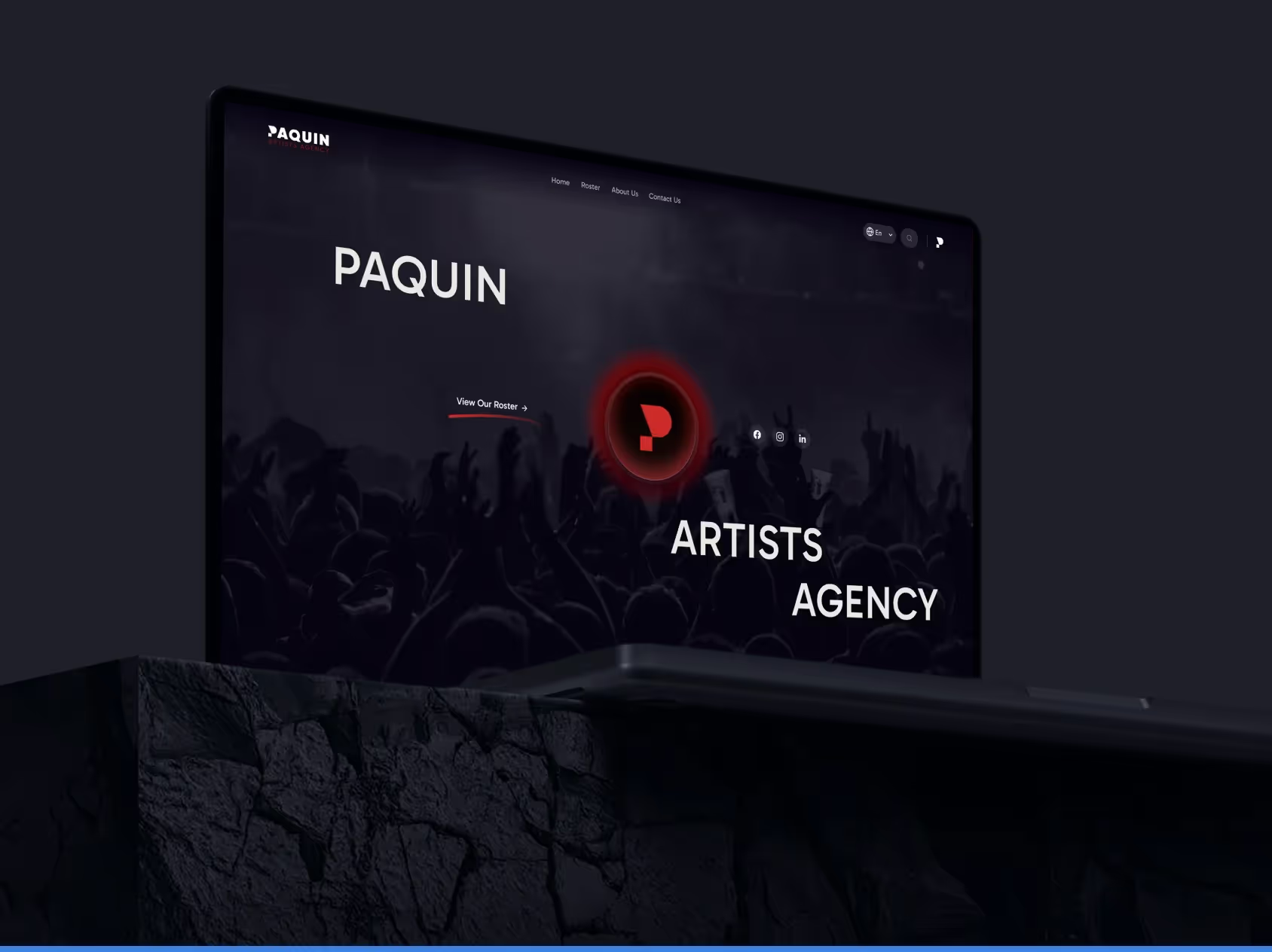
Audiences decide in seconds. We work with labels, venues, talent agencies, and event companies to build media-rich, performance-optimized experiences where the work is front and center. Booking, inquiry, and ticket paths stay visible and fast across devices. Campaign templates and component systems let teams launch content for new shows, releases, and events without starting from scratch each time. The creative comes first; the infrastructure stays invisible.
- Roster and release showcases
- Media galleries and video
- Ticketing and booking flows
- Campaign and launch pages
- Social media integration
- Fast loading on all devices
Travel, Hospitality, and Tourism
Guests research and book across multiple touchpoints. We help hotels, resorts, tourism brands, and event venues present their experience with clarity, connecting visual storytelling with practical booking flows, local discovery, and seasonal content that stays current. The systems we build make it straightforward for teams to update rates, packages, and promotions without depending on a developer for every change. The experience starts online, and it should feel as considered as the stay itself.
- Room and package showcases
- Booking flows that convert
- Seasonal content updates
- Local maps and discovery
- Photo galleries and storytelling
- Reviews and social proof
Our Record
Why Choose
Brand Vision

113 Reviews

60+ verified reviews
Performance and accessibility checks before launch

Clutch Top Brand Development & Web Design Agency
2023, 2024, 2025








Common Questions
Frequently Asked Questions
Still have questions? Contact us to discuss.
What does a Webflow agency do?
A Webflow agency designs and builds your site inside Webflow itself, so what your team inherits is the same object that was designed instead of a picture of it handed to somebody else to reinterpret. The platform is easy to open and hard to run well, and that gap is the work.
Anyone can assemble a page on the canvas in an afternoon. What an agency is being paid for sits underneath, meaning the class system, the components, the content model, the interactions, and the decision about which of your colleagues can reach which of those. Together they decide whether the site is still cheap to change in year three or whether every small edit needs a developer again.
Why clients bring platform work here.
Design and build are one step. The design gets made on the canvas where it will live, so hover states, breakpoints and empty states are decided by the person who drew them and not guessed at during a rushed build week.
The content model comes before the pages. Collections, meaning the content types the CMS holds, get planned against what the business publishes repeatedly, because content structure is the one decision on a Webflow site that is genuinely expensive to reverse.
The build is handed over operable. Your marketing team assembles pages from approved components, and the controls that could break a layout stay out of the roles that do not need them.
The platform's edges get named before you commit. There are hard limits on list volume, on how much a single page can assemble, and on back-end logic. Several answers below give them plainly, because discovering them in week nine is a worse experience than reading them now.
The studio opened in 2018 and has delivered 500+ projects for close to 150 brands since. Clutch shows a 5.0 assembled from 64+ interviews with clients who paid us, there are 250+ five-star reviews behind that, every one of them verified, and four Awwwards and a Webby sit on the design side of the record. You can read the work itself and the team who does it before anything gets scoped, and where the platform turns out to be the wrong fit, the wider web practice covers the alternatives without anybody pretending otherwise.
What Webflow services do you offer?
Nine workstreams, and most engagements draw on five or six. The mix depends on whether you are building from nothing, moving off another platform, or repairing a build somebody else left behind.
Webflow design and build. Sitemap, page structure and visual design produced on the canvas, built on your visual identity instead of a purchased layout. Responsive behaviour designed at each breakpoint, meaning each screen width where the layout is allowed to change, instead of inherited by accident.
Migration onto the platform. Content, addresses, integrations and forms moved off WordPress, Squarespace, HubSpot, Drupal or a hand-built site. This is replatforming work and it gets scoped as its own discipline.
CMS architecture and collection design. The collections, fields, references and slug structure behind the pages, planned against what you publish and how often you publish it.
Custom interactions and animation. Scroll, hover, click and load behaviour built with the platform's timeline tools, and a code-based animation library where the brief needs more. The thinking behind it is interaction design and not decoration applied at the end.
Component and class system setup. A named class convention, global variables for colour, type and spacing, and a component library, so the build stays cheap to change after we leave.
Integrations and forms. CRM, marketing automation, booking, analytics and payment connections, with form handling wired to a real destination and proven with live submissions.
Localization. Multi-locale sites using the platform's own localization capability, covering translated content, locale-specific slugs and per-locale metadata.
Training and handover. Recorded walkthroughs of your components, a written guide per page type, live sessions with the people who will publish, and role assignment that matches how your team actually works.
Ongoing support. A monthly arrangement for new pages and sections, content help, interaction work, integration changes, and performance and accessibility checks.
Two things get assumed and should be asked about instead. Copywriting is scoped separately unless you ask for it, since a build moves at the speed of finished content. And where the requirement includes a logged-in area, an application, or a store with real inventory behind it, part of that is going to live outside the platform. We say so during scoping and not during the build.
Is Webflow a no-code website builder?
Webflow is a visual front-end writer, and the difference between that and a drag-and-drop template tool is the whole reason it is worth paying an agency for. The canvas is a view onto a document, and not a page of locked blocks.
Every element you place is a real HTML element with a tag you choose. Every style you set becomes a CSS rule attached to a class you named yourself, and that class is shared, so editing it changes every element wearing it. There is no theme file interpreting your intentions and no shortcode layer in the middle. What reaches a browser is ordinary HTML and CSS carrying the class names your team agreed on.
What that buys you.
- Design control is genuine. Anything CSS can express, the canvas can express, which is why the platform turns up in award galleries and why interface work transfers onto it without being flattened.
- The content is in the source. A page is served as markup, so a crawler that fetches it and never runs a line of JavaScript still reads the copy. That matters more now that AI search systems assemble answers from what they can parse without rendering.
- A developer can read the output. Class names you chose, structure you decided, and nothing compiled into an unreadable blob, which is what makes a site like this auditable by an engineer who has never seen it.
What it is not.
- A template picker. Templates exist on the platform and we do not use them for client work, because a bought layout arrives with somebody else's priorities already baked into the page order.
- A full-stack environment. No back-end code of yours runs here, which is the subject of the next answer and the boundary that decides several projects.
- Free of skill requirements. The prerequisite is CSS. Someone who does not understand the box model, flexbox and grid will produce a page that works and a site nobody can maintain.
- No-code in the strict sense. It removes the typing for front-end work. It still rewards a team that can write JavaScript when the brief calls for behaviour the interactions panel cannot express.
The practical version of all this is that the platform rewards discipline and punishes improvisation, in exactly the way a stylesheet always has.
What will a Webflow site cost and take?
A build starts around $10,000, a full marketing site with a real content model and custom motion usually lands between $15,000 and $30,000, and six to ten weeks is the normal span. Here is how that divides, and then the recurring cost most proposals leave out.
- Focused build, three to six pages. From $10,000. Right behind a launch, a campaign or a single offer, and the common shape for early-stage companies that need to be live before the next raise.
- Full marketing site, six to ten pages plus the collection templates behind them. $15,000 to $30,000, driven by template count and how much custom motion the design carries.
- Migration from another platform. Priced on address count, content volume and how many integrations have to be rebuilt, and not on page count.
- Localization. Priced on the number of locales, plus the platform's own charge for the capability.
- Ongoing support. Monthly, scaled to how often the site actually changes.
The schedule divides into four phases that overlap at the edges. Discovery and architecture takes one to two weeks, covering goals, sitemap, content model and the class convention. Design takes two to four weeks and runs on templates instead of individual pages. Build takes two to four weeks overlapping design, and covers collections, interactions, integrations and responsive work at every breakpoint. Launch takes about a week for redirects, metadata, analytics, accessibility checks and training. This kind of project moves faster than an equivalent custom build because there is no separate front-end engineering pass, and it stalls for the reason every web project stalls, which is content arriving late.
The recurring cost, stated plainly. Every published site needs a paid site plan, billed monthly or annually straight to you and never through us, with the tier decided by content volume and traffic. Workspace seats cost extra. Localization is charged on top again. None of it is large money against a build, and it never stops, so it belongs in the operating budget from day one. For technology and SaaS businesses used to per-seat software that reads as normal. For a company that has bought hosting once a year for a decade it can be an unwelcome surprise.
What moves the number is template count more than page count, how much of the copy already exists, how many integrations are real, and how many people hold approval. Book a call and you will have the band before anything is signed.
What are Webflow's real limitations?
The ceilings are real, and they sit around list volume, what a single page can assemble, back-end logic, and what the platform charges extra for. They are set out here in roughly the order clients meet them.
- A collection list displays 100 items at most unless pagination is switched on. A collection list is the repeating element that prints CMS entries onto a page. With pagination enabled it will page through everything you have. Without it, item 101 never appears, and nobody notices until the catalogue grows past the number somebody assumed was a maximum.
- One page holds a maximum of 40 collection lists, of which no more than 10 can sit nested inside another list. Nested means a list running inside a list, such as printing every service underneath every location. Directory pages, location hubs and heavily filtered indexes reach this before anything else on the platform does.
- Plan tiers cap CMS items and monthly traffic. The tier gets chosen against a two-year forecast instead of today's content, since moving up a tier mid-year is trivial and rebuilding a content model is not.
- No server-side code of yours executes. The platform renders pages. Anything involving private data, third-party authentication, real calculation or business rules has to live in an external service, or in a serverless function, meaning a small piece of code that runs somewhere else only when the page calls it. That is ordinary custom development, scoped and priced as such, and it is the most common reason one of these projects needs an engineer.
- Filtering and on-page search across a collection is not native. It gets solved with a third-party library or written JavaScript. Worth pricing at the start, because it is the feature clients most often assume is included.
- Member accounts are not something we would build natively today. Where a site needs logins or gated content, a dedicated membership service runs alongside it and gets scoped separately.
- Localization is a paid capability charged on top of the site plan and priced by locale count. It is well built and it is still a line item, which matters when you serve Quebec and a French version is an obligation and not an ambition.
The honest framing. Most marketing sites never touch any of this. The businesses that do are the ones carrying thousands of records, enterprise-scale content libraries, or an application hiding inside a website brief, and for them the checking happens before the build instead of during it.
When is Webflow the wrong choice?
There are three situations where the honest recommendation is a different platform, and a fourth where changing platform fixes nothing. Talking somebody out of a build we would otherwise be paid for is the only version of this advice worth reading.
Choose WordPress when publishing is an operation. Thousands of posts, several contributor types with genuinely different permissions, an editorial workflow with review stages, a plugin doing load-bearing work nobody wants to rebuild, or a requirement to self-host because of where the data has to sit. A hosted builder will hold a blog comfortably. It is not built to run a newsroom, and pretending otherwise is how an editorial team ends up filing tickets to publish.
Choose Shopify when the business is a store. Webflow can sell things and it suits a short, stable catalogue. Once there is real inventory, tax across jurisdictions, discount logic, subscriptions, returns or a feed from a warehouse, checkout infrastructure should be someone else's engineering problem. WooCommerce is the better answer where the shop has to behave unusually or sit inside a large content site.
Choose a fully custom build when the site is actually an application. Accounts, permissions, saved state, dashboards, live data, forms with rules that have to be enforced somewhere a browser cannot reach. All of that is reachable by bolting external services onto a hosted site, and past a certain point the bolting costs more than building the thing properly and behaves worse.
And the fourth case, which is the uncomfortable one. Where the current site fails because nobody publishes anything, no platform fixes it. A new build makes publishing easier and it does not make anybody do it. The honest recommendation there is a smaller site, a named owner and a content plan, and we would rather say that in week one than sell a rebuild that will look identical in eighteen months.
What settles the argument is practical. Who touches the site in an average week and how technical are they. What has to talk to what, and does each of those systems have a documented interface. How much content is coming over the next two years. Whether anybody internally will own the site after launch. Written down, the platform argument tends to settle itself.
Can you move our site onto Webflow?
Migrations are a large share of the platform work we do, and the system swap is the least risky part of one. The risk sits in addresses, content, integrations and forms, roughly in that order.
- Inventory what exists. Every address from the sitemap, a crawl, analytics and Search Console. Every form and where its submissions currently land. Every integration and the credentials behind it. Every custom field a live page quietly reads from. That list becomes the project plan.
- Decide the content model before moving anything. An export dumps what you have. A model asks what you publish. Old posts with no traffic, no links and no purpose do not deserve a collection built around them.
- Rebuild instead of converting. Pages get rebuilt on the new class system and component library. No honest importer turns a themed template into a clean build, and anybody claiming otherwise is selling you the same mess with better hosting.
- Move the content deliberately. Entries import from CSV into the collections with fields mapped one at a time, and media gets re-uploaded at sensible dimensions instead of dragging a decade of oversized images across.
- Rebuild the connections. Forms wired to their real destinations, integrations reconnected and tested against live data, and analytics rebuilt so the numbers stay comparable across the move.
- Map every redirect. The platform holds permanent redirects in the site's settings, and every retired address gets a specific destination instead of a lazy push to the homepage. This is technical SEO work and it is where migrations are won or lost.
- Launch, then watch. Every site gets a free staging address that search engines are told to ignore, so the whole thing can be reviewed in a real browser before the domain moves. After cutover we watch crawl errors, redirect behaviour, positions and form submissions daily for the first month.
Two honest notes to close on. Positions move for a few weeks after any platform change while search engines recrawl and reassess, so the benchmark gets recorded before cutover and the comparison afterward is made against it. And where geography drives enquiries, the local search presence gets verified after the move instead of assumed. Where the site needs rethinking and not merely rehousing, that is a website redesign with a platform change inside it, and it is a different piece of work at a different price.
How should our Webflow CMS be built?
Around what your team publishes repeatedly, and not around the pages that happen to exist today. A content model is cheap to design and expensive to change, so this is the hour of the project worth slowing down for.
What earns a collection. A collection is a content type with defined fields, and the platform generates a page for every item from one template. Anything published more than a handful of times in the same shape belongs in one. Anything published once belongs on a static page. Teams get this wrong in both directions, building a collection for three items and hand-building forty near-identical pages.
Real fields, and never one rich-text box. Take an event. It carries a date, a venue, a city, a ticket link, a speaker and a hero image. Modelled as separate fields, that one entry prints correctly as a card, a list row, a related item and a full page. Modelled as a single body field, every one of those views has to be built by hand and maintained by hand.
References, used with restraint. Reference and multi-reference fields are how one collection points at another, and they are how you print every service under every location. They are also where the page composition limits bite, so the number of nested lists a template needs gets settled on paper before anybody builds it. The WordPress equivalent is more forgiving about this and costs you elsewhere.
Pagination decided per list, in advance. Any list that could plausibly outgrow its display cap gets pagination from the start, because retrofitting it after launch means rebuilding the layout around it.
Slugs chosen once. A collection page address is assembled from the collection slug plus the item slug, the slug being the readable text that sits in the address, so the folder name in the URL is a permanent decision. Change it later and every item address changes with it, and every one of them needs a redirect.
Metadata bound to fields. Titles, descriptions and social images can be assembled from collection fields, so two hundred items ship with accurate metadata instead of two hundred defaults. That is also what turns a collection into something a content strategy can use instead of a liability to clean up later.
One rule we hold throughout. An editor never gets a field they cannot fill correctly without asking somebody. Every field either has a clear rule attached or it does not exist.
Why do Webflow builds turn into a mess?
Because the platform lets you style anything without naming anything, and a build with no class discipline becomes unmaintainable long before it looks broken. This is the single largest difference between a site that stays cheap to run and one that turns into a rebuild.
The platform invents a class the moment you style an element. Div Block 47. Heading 12. Each one carries a few properties, exists in exactly one place, and is understood by nobody, including the person who made it. Six months of that and changing a brand colour means opening two hundred elements one at a time. The site still looks fine. It simply costs three times as much to change, and the second-year budget disappears into work that should have taken ten minutes.
The rules we build to.
- A naming convention agreed before the first page. Utility classes for spacing and type, structural classes for layout, component classes for anything that repeats. Client-First is the convention most teams settle on, and any consistent system beats a clever inconsistent one.
- Global values defined once. Colour, type scale and spacing held as variables, so a brand change propagates through the site instead of being retyped everywhere. This is where a properly built design system earns its fee twice.
- Components for anything that repeats. With properties for the parts that change, so a card used in nine places is one object and not nine near-copies drifting apart.
- Combo classes used sparingly and written down. A combo class is a second class stacked on a base one to make a variant. They are genuinely useful and they multiply quietly, which is how a tidy system becomes an archaeology project.
- A style clean-up before handover. Unused classes removed, orphaned styles cleared, and a written key so the next person can read the system without reverse-engineering it.
Inherited sites are a real part of the work, and the assessment always comes before the quote. Sometimes the answer is a refactor of the class system and the component library, which is unglamorous and transforms what the site costs to operate. Sometimes the answer is that rebuilding on a clean foundation is cheaper than untangling, and we will say which one it is. This is craft work more than tooling, which is why the people who build them get hired on CSS fundamentals ahead of platform familiarity.
Can you build custom interactions?
Custom motion is one of the better reasons to choose this platform, and it is also the quickest way to make a site worse. Both are true, and the second half gets discussed far less often than the first.
What the platform gives you is a visual timeline that compiles to JavaScript, with triggers for page load, click, hover, mouse position, scroll position and elements entering the viewport. Multi-step sequences, staggered reveals and scroll-linked motion are all buildable without writing code. Where a brief needs more than the panel can express, a code-based animation library gets used, deliberately and in named places instead of everywhere.
Then the constraints, all of which are real.
- Motion has to explain something. Direction, hierarchy, a state change, or where a thing came from. Animation that only demonstrates that we can animate slows the page down and ages within a year.
- Every interaction carries a performance budget. Motion ships JavaScript and forces layout work. On a mid-range phone over mobile data, that budget decides whether the page feels quick or stutters through its own introduction.
- The reduced-motion preference gets respected. People switch that operating system setting on for medical reasons, and a site should honour it instead of overriding it because the animation was expensive.
- Keyboard and screen reader behaviour comes first. A component that reveals its content on hover has to work for somebody who cannot hover, and that gets designed at the same time and not patched afterward.
- Mobile gets its own decision. Scroll-linked motion that reads beautifully on a large display often needs to be simpler on a phone, and sometimes absent.
We would rather build three moments that land than thirty that compete with each other. The ones that earn their cost are usually a hero that establishes hierarchy, a transition that shows cause and effect, and one section that rewards scrolling with information. Everything past that is decoration you pay to maintain. Recent builds show where we draw the line, and the reasoning behind how motion gets designed sits with the interface side of the practice.
Where do our form submissions go?
Submissions land in three places, and only the third one matters commercially. They get recorded against your site, they trigger an email notification, and they go wherever we wire them. Below is the whole path, including the two steps that get skipped most often.
- The platform records the submission. Every entry is stored against the site and is readable and exportable by anyone with access. Useful as a backup and as the way you discover what a broken integration has been dropping. How many submissions the site retains depends on the plan tier, which is a detail worth checking before a campaign and not during one.
- An email notification fires. To whichever addresses you nominate. Fine as an alert and poor as a system of record, because an inbox is not a pipeline and nobody can report on it.
- The record reaches the system you actually work in. A webhook, meaning an automatic message the site fires the instant somebody submits, pushes the entry into your CRM with fields mapped and source attribution attached. Where the destination is your own software, the form posts straight to an endpoint you control. Since no server-side code of yours runs on the platform, conditional logic beyond what the form itself offers happens in the browser or in the receiving system, and that gets designed on purpose instead of discovered late.
- Spam gets handled. Captcha, validation, and honeypot fields, which are hidden inputs a human never sees and an automated script fills in anyway. All of it tuned so a real enquiry is never the thing that gets blocked. Over-tightened spam protection quietly costs more than spam does.
- The whole path gets tested with live submissions. After launch, a real enquiry gets followed through to the record in your CRM. A form that appears to submit and quietly goes nowhere is the most expensive bug a website can carry, because nothing on the outside reveals it.
Two things to raise with the right people. Where a form collects health information, financial detail or anything a regulator takes an interest in, what sits inside a platform's submission store is a question for your counsel and not for us, and it comes up constantly for health and wellness organizations. And where forms feed a B2B sales process, the routing and notification rules matter as much as the form design. Landing pages behind paid campaigns get tested to the same standard, since paid traffic makes a broken form expensive by the hour.
Who can edit the site after launch?
Your team, and the decision that matters is which people get the full design environment and which get content editing only. Handing everybody the design environment is the most reliable way a good build degrades.
The design environment is the whole building surface. Somebody working in it can restyle a global class and change every page on the site at once, usually without intending to. It belongs with one or two people who understand the class system and know what a global change reaches.
Content editing covers the copy, the images, the links and the CMS entries inside a design that already exists. That is what a marketing coordinator, a product manager or an office administrator actually needs, and it is what keeps a rushed Friday change away from the layout. Getting this split right at handover prevents more damage than any amount of documentation.
Handover itself is a transfer and not a set of logins in an email. A recorded walkthrough of your own components and collections instead of a generic platform tutorial. Written instructions for adding every page type and every collection entry, in the order somebody would actually do it. Live sessions with the people who will publish. And roles assigned alongside you, so the split above matches your org chart instead of a default.
On ownership, the site sits in your workspace, billed in your name, and we can be removed from it whenever you decide. Design files, custom code and content are yours. One thing worth knowing plainly is that static code export is available on paid workspace plans and the export does not carry your CMS content, form handling or store functionality, so it is a snapshot of the front end and not a portable copy of the site. Content exports separately as CSV. Anybody describing a site on this platform as fully portable has not tried it.
Then there are three honest aftercare options.
- You run the site in-house on the training and the documentation, and we stay reachable when something unfamiliar comes up
- A monthly support arrangement covering new pages and sections, content help, interaction and integration changes, and performance and accessibility checks
- The site becomes part of a wider program where design work, content and search keep compounding after launch
A six-month floor applies to the ongoing options, because a shorter run does not produce enough evidence to judge. If you would rather have an outside read before deciding, an outside audit stands alone as a piece of work. Either way, start a conversation and you will get a straight read.